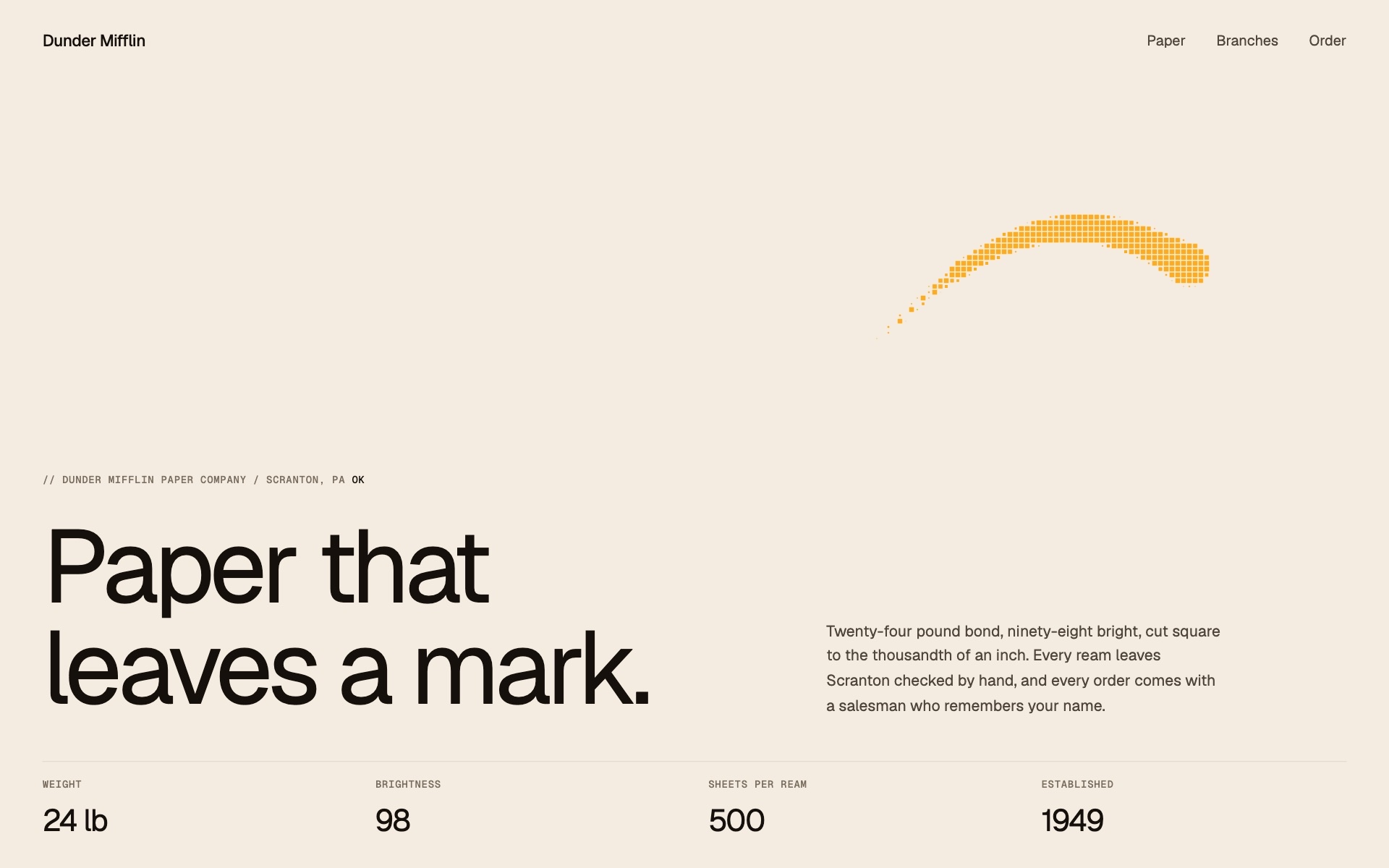
Pixel ribbon
New Cursor AnimationsA ribbon of pixels trails the cursor on springs, then folds back into its head.
Six effects built on one idea, a picture, a line of text or a button that arrives square by square. Each one pastes into Webflow, ships as plain JavaScript, or goes to your assistant as a prompt.
The whole library
A ribbon of pixels trails the cursor on springs, then folds back into its head.
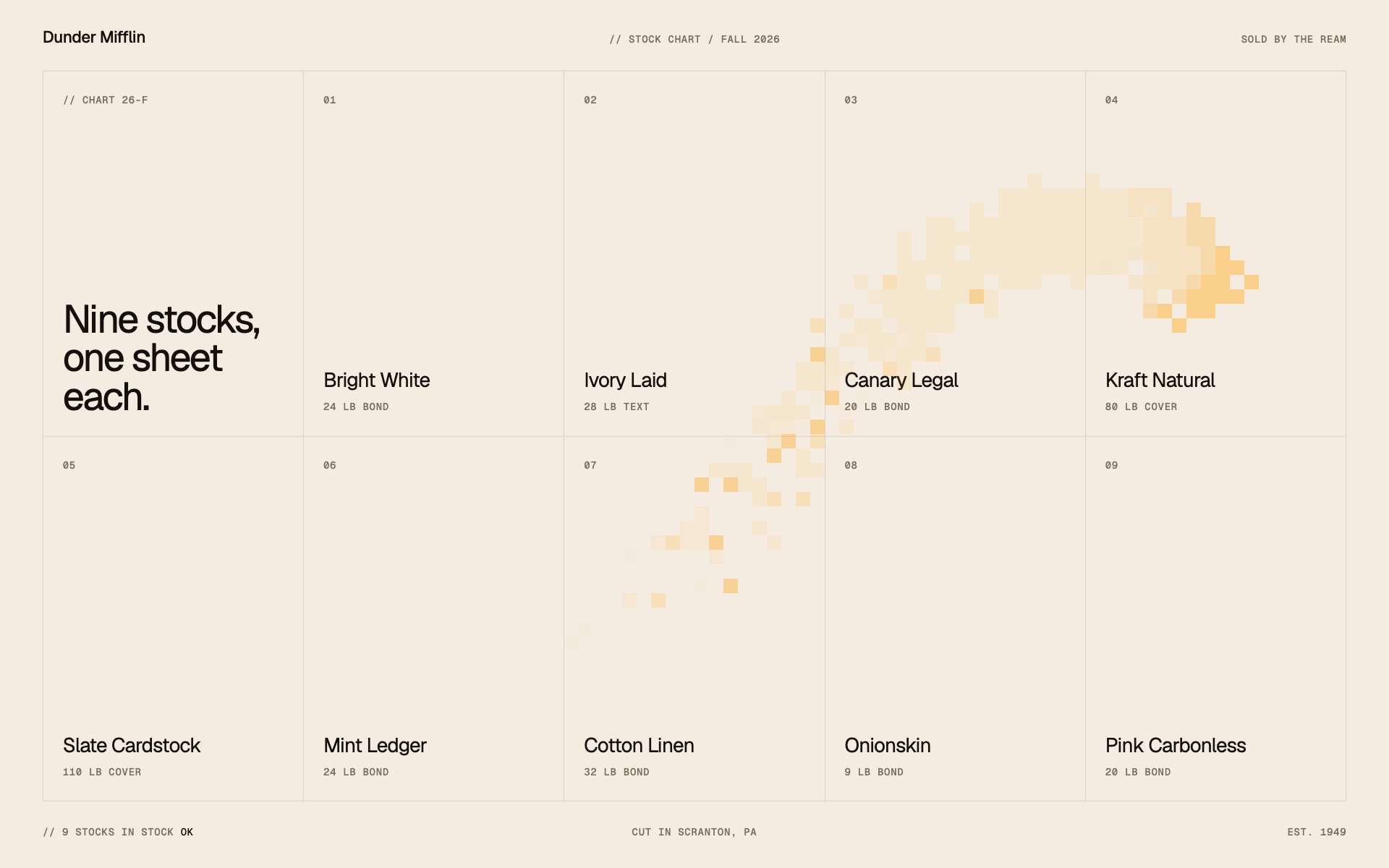
Squares open under the cursor with a flash of colour, then close behind it
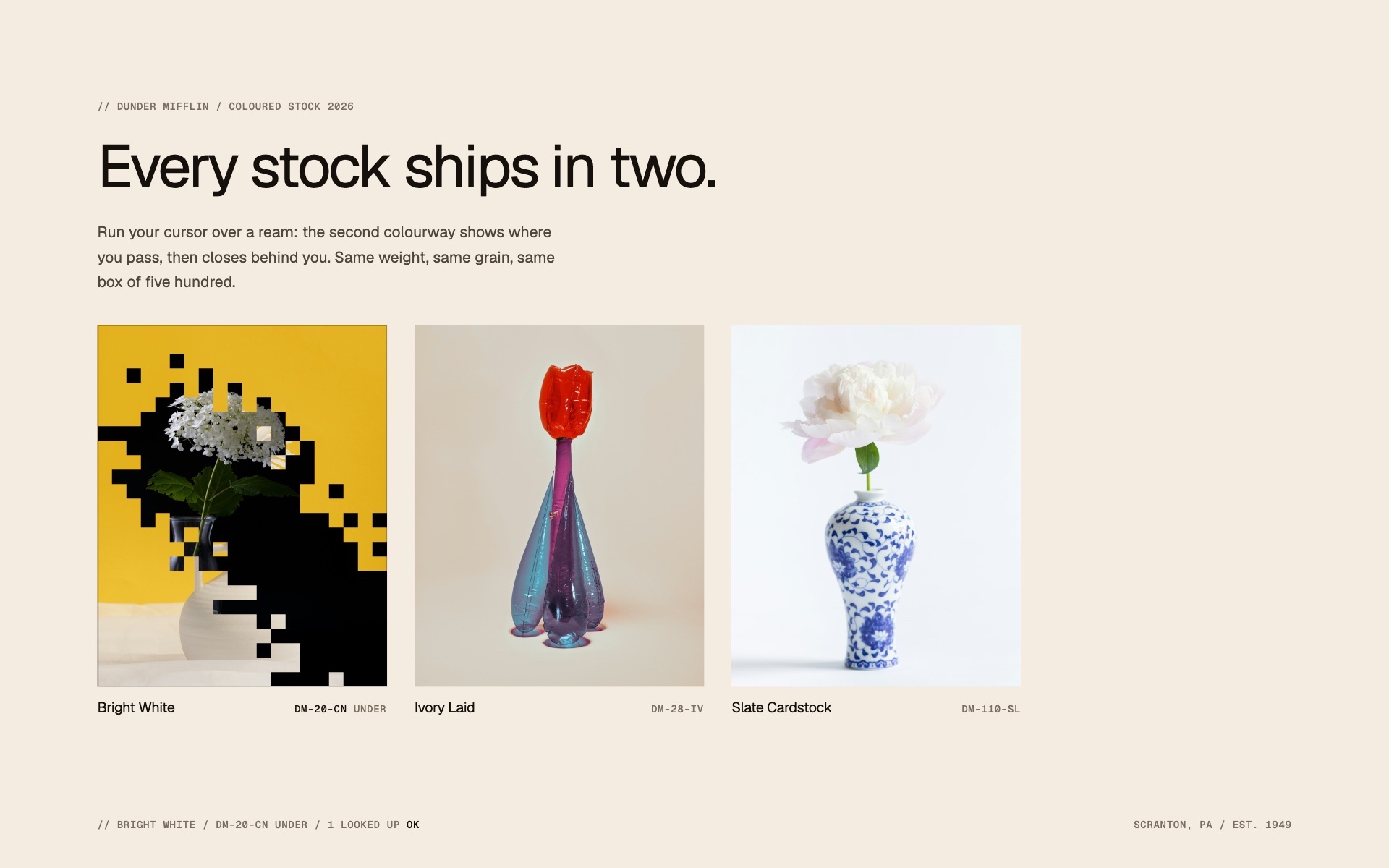
The cursor opens a pixel trail onto a second image, and each square closes again.
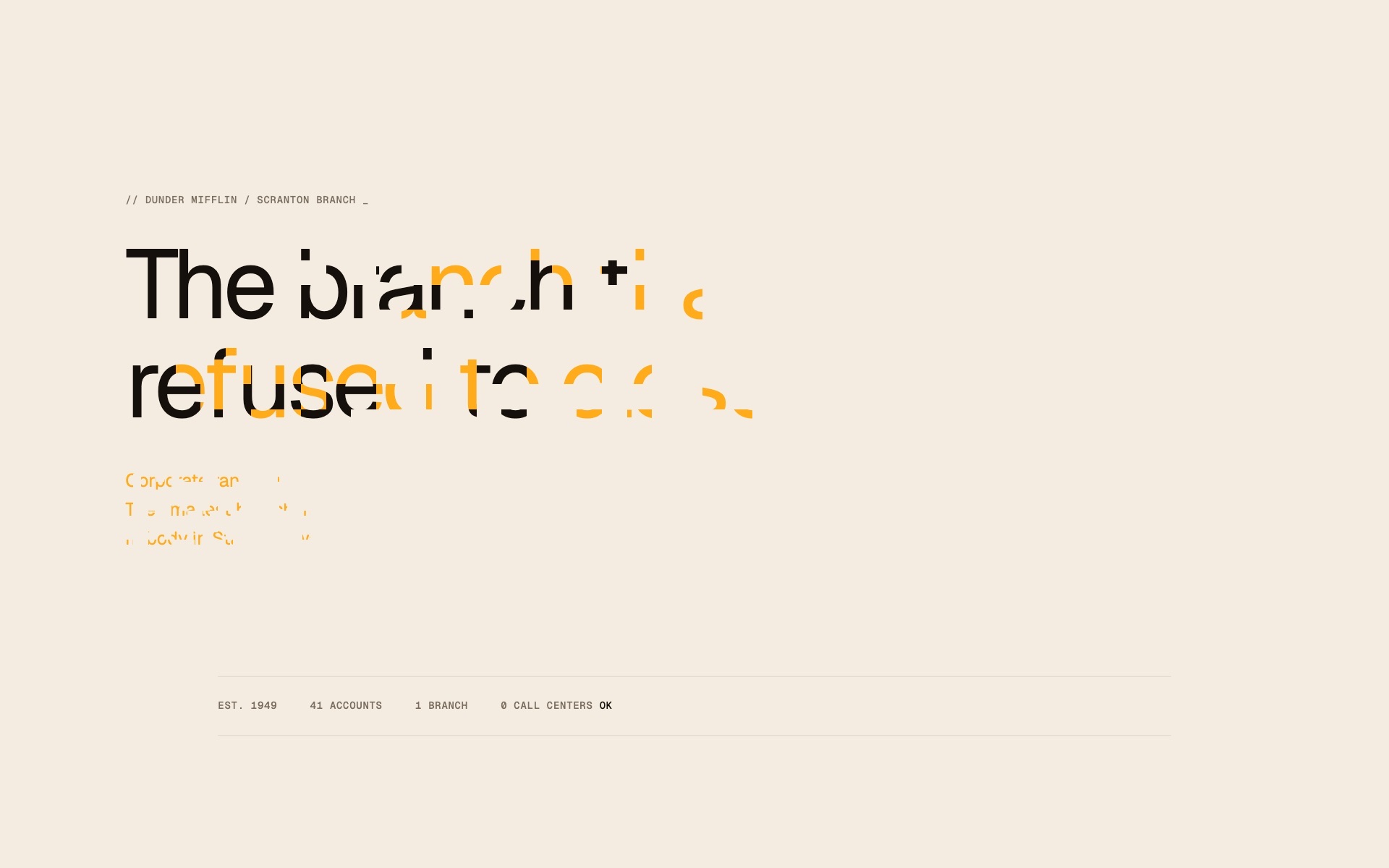
Headings and paragraphs write themselves in, pixel block by pixel block.
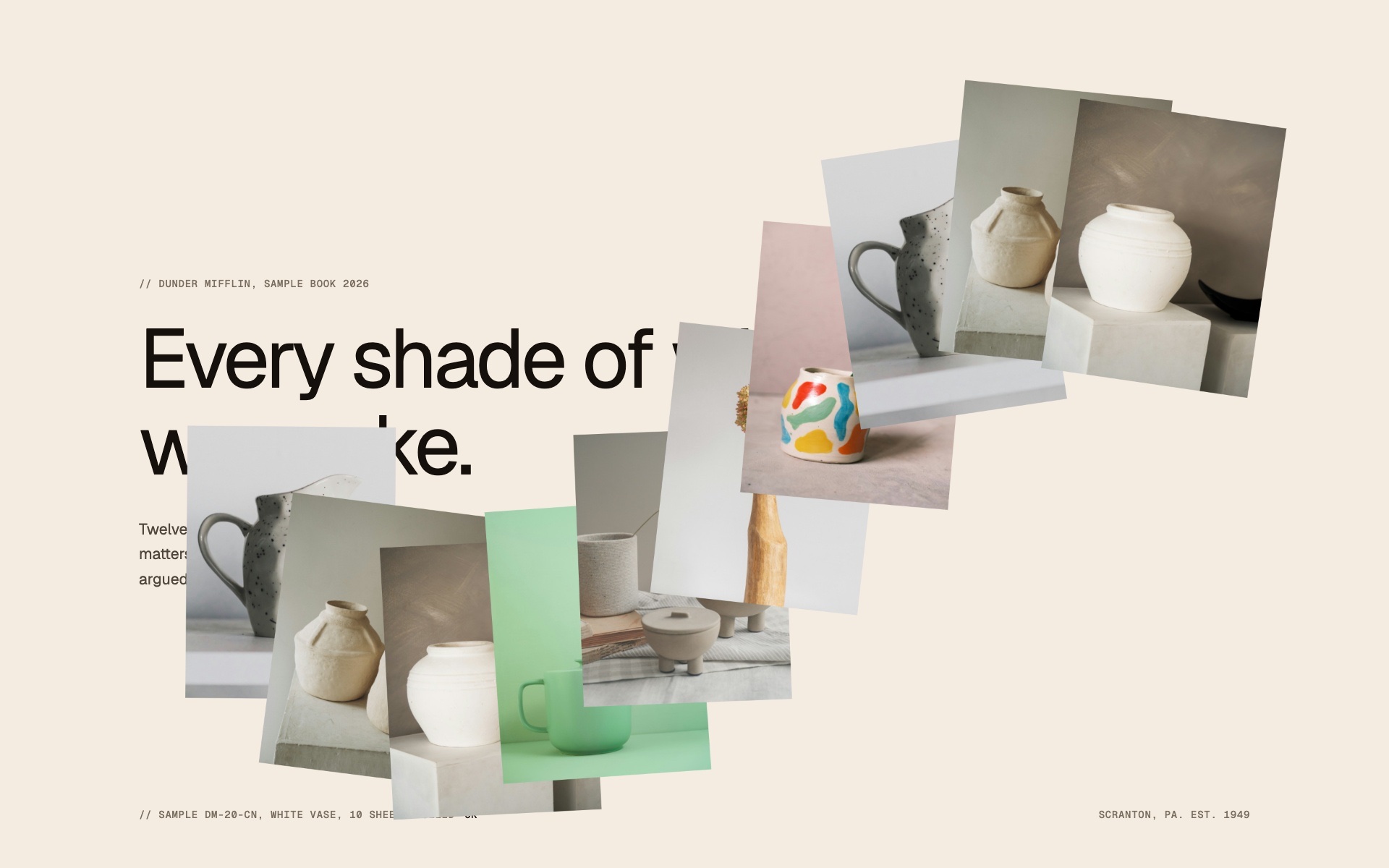
Images settle along the path of the cursor, then leave again.
Which one to pick
Open the effect, press Copy to Webflow and paste on the canvas: the structure and its code arrive together. The effect is carried by a custom attribute, data-pixel-trail for the image trail, and every setting is one more attribute on the same element, in the Settings panel.
Five of the six need no library at all: the image trail, the swap, the text reveal, the ribbon and the wake are drawn on a canvas in plain JavaScript. The pixel button uses GSAP, loaded from one CDN script tag that the Webflow paste and the zip both carry.
Yes. Each effect has a cell setting, the side of one square in pixels: data-pixel-swap-cell="24" gives a coarser grain, a lower number a finer one. The text reveal sizes its blocks from the font size unless you set one, and on the button the setting is called grain.
Each one reads prefers-reduced-motion and has a calm state for it. The text reveal never replaces the text with an image, and the cursor effects are drawn on a canvas that takes no part in the reading order.